

Supernote A5 X2 Manta, the digital notebook
The A5 X2 Manta brought some significant changes: there is a new double slider on the side for quick actions such as "undo" and "redo".
Words by

Words by Gilles Pedroza Leite
Design and Innovation
Listen to this story
The second model in Supernote's A5 line gives an excellent writing experience, thanks to a range of pens that will charm any stationery enthusiast. The market for digital notebooks is not a wide one, which makes the launch of a new model a considerable event. Especially when it comes to the Supernote A5 X2 Manta, the second generation of the company's popular digital notebook, whose original model launched in 2018 and sold out while Supernote was developing the new version.
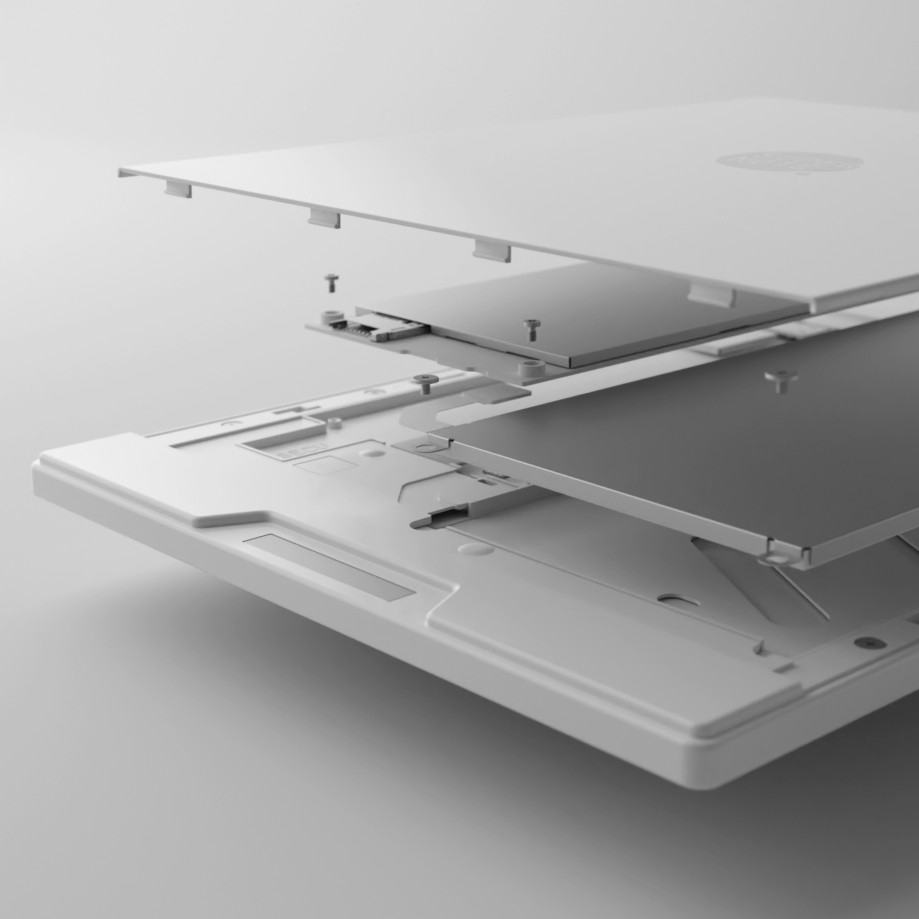
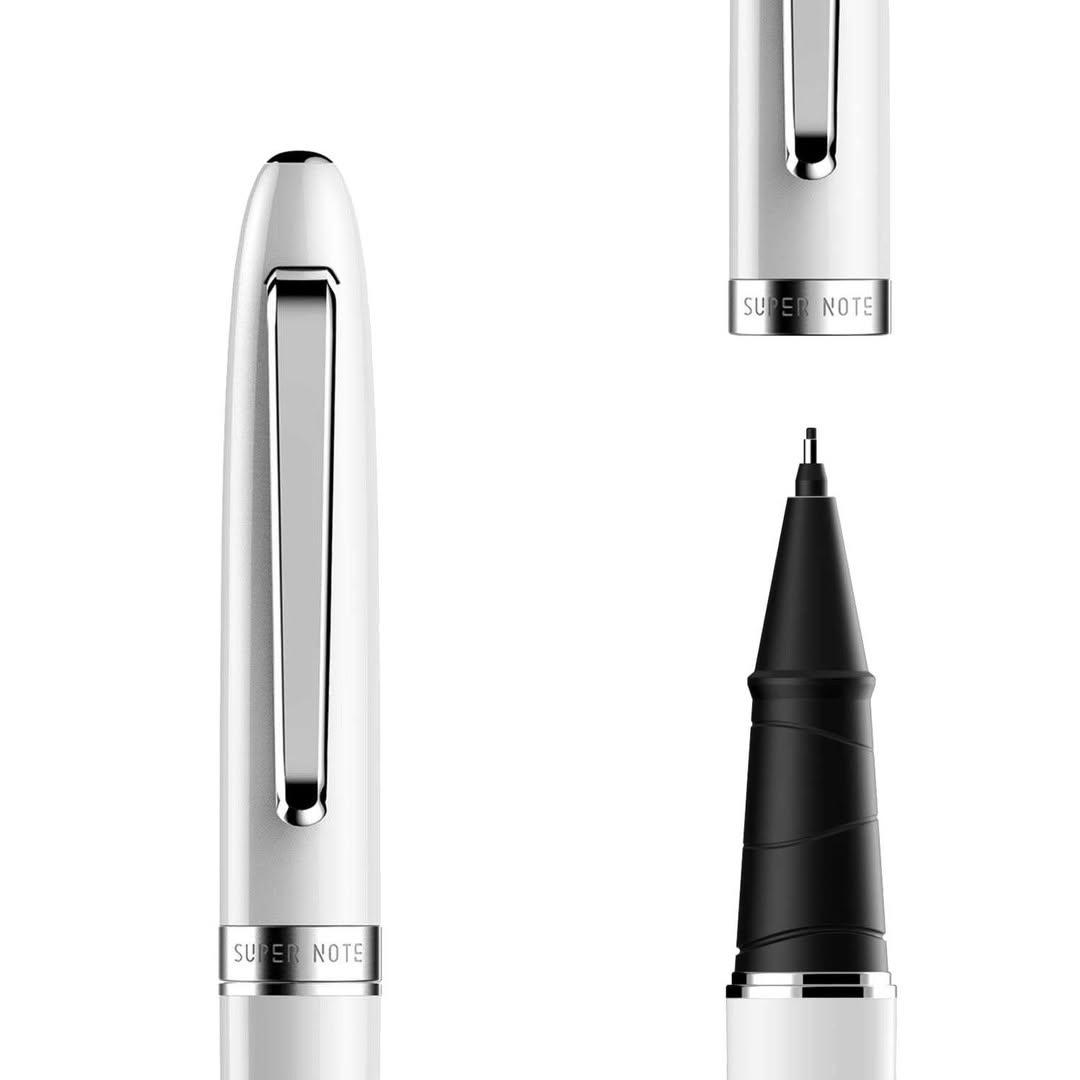
The A5 X2 Manta brought some significant changes: there is a new double slider on the side for quick actions such as "undo" and "redo", a FeelWrite 2 screen film that gives a writing experience closer to paper than to a tablet, and a modular design that allows the battery and the motherboard to be replaced if needed. Light and pleasant to use, it comes with Supernote's intuitive software and a good range of templates for the notebook pages. Supernote's real distinguishing feature, at least in daily use, lies in its range of pens. Those models are compatible only with Supernote's digital notebooks; on top of that, the modular design ensures greater durability, allowing repairs and upgrades over the years.
The Supernote A5 X2 Manta has a 10.7-inch E Ink screen with a resolution of 1920 × 2560 (300 PPI). The device is extremely light, weighing around 400g without the protective cover, including the attachable pen holder. It is worth noting that the Supernote has no front light, so an external light source is needed to see the screen and write. That is not unusual in digital notebooks, and the absence of colour is no surprise either. Although there are more recent models offering colour screens and built-in lighting, such as the ReMarkable Paper Pro and the Kobo Libra Color , the classic models, like the Manta, keep a more traditional design.
The Supernote Manta is more expensive than the ReMarkable 2. The ReMarkable 2 with the Marker Plus pen costs $5 less than the Manta with its basic pen, and $100 less than the Manta with its best pen. One of the factors that makes the investment in the Supernote justifiable, however, is the modular design, which allows easy access to the motherboard and the battery for repairs or upgrades. That ensures greater longevity, making it a long-term investment.
The Manta also has a microSD card slot, allowing storage to be expanded, something the ReMarkable 2 does not offer. The device itself comes with 32 GB of internal storage, although part of that space is taken up by the software. By comparison, the ReMarkable 2 has only 8 GB with no possibility of expansion, while the ReMarkable Paper Pro offers 64 GB and is more expensive than the Manta, unless you opt for Supernote's premium pens. Its interface is elegant and responsive, waking quickly when switched on. The device offers 28 page templates, along with the option of creating custom ones. For that, you simply upload an image to the MyStyle folder through the Supernote Cloud app, accessible on iOS, Android and browser.
The Manta also allows documents to be created in Word format and offers a Real-Time Recognition mode, which automatically converts handwriting into typed text. That mode also enables an on-screen keyboard, although Supernote's keyboard is not very responsive and demands slow, precise typing. The new slider bar offers practical shortcuts, such as "undo" and "redo", but also requires a careful touch to operate correctly.
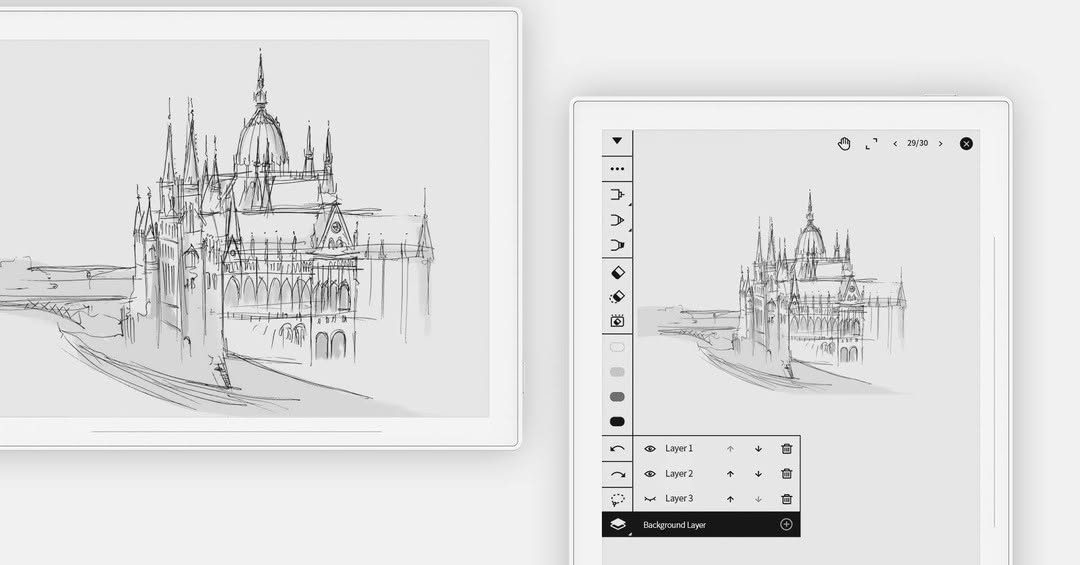
The Manta also has a built-in art mode, but finding it is not so intuitive. Unlike other digital notebooks, which have a direct selection of pencils and brushes, on the Supernote you have to go into the settings and download the Atelier app, which is free and can be installed quickly over Wi-Fi. Once installed, a paint palette icon appears in the top right corner, allowing the creation of art files in the .spd format, exclusive to the Atelier programme.
Within Atelier, the user can choose between seven pencil thicknesses, five pen styles and three kinds of marker. There is also a spray option, accessible through a lock button (although the icon is not very intuitive for that function). The software allows work in layers and offers 16 levels of grey, from white to black. The drawing tools respond well to pressure and are pleasant to use.
The only drawback? None of the pens has a built-in eraser. If you frequently need to erase content or prefer typing on the virtual keyboard, the Supernote may not be the best choice for you. But if those details are not a problem, the Manta is an excellent digital notebook, both for notes and for sketching.
$459.00 USD (around R$2,691.16)
Complete TV · Reels
Nascida no norte de Nova York, Dianna Lopez @_diannalopez começou a fazer música quase por acidente: estava ajudando um colega na faculdade
See on InstagramFrom Complete






More from Gilles Pedroza Leite
View profile


Latest from Complete
 FashionGuccicore: plurality as a language of style
 BeautyISDIN Fusion Water Magic: sun protection with lightness and technology
 The CoverIn the beginning, we couldn't even use the word handicraft.
 DesignTomie Ohtake House‑Studio presents Zanine Caldas
 CultureThievery Corporation, 30 years: the Washington duo that originated in bossa nova
 The CoverBrazil still gives little recognition to genuinely Brazilian authorial fashion.
 InnovationLight has become a building material